-
Topic: Appliance Issues
I am having issues with appliance placement.
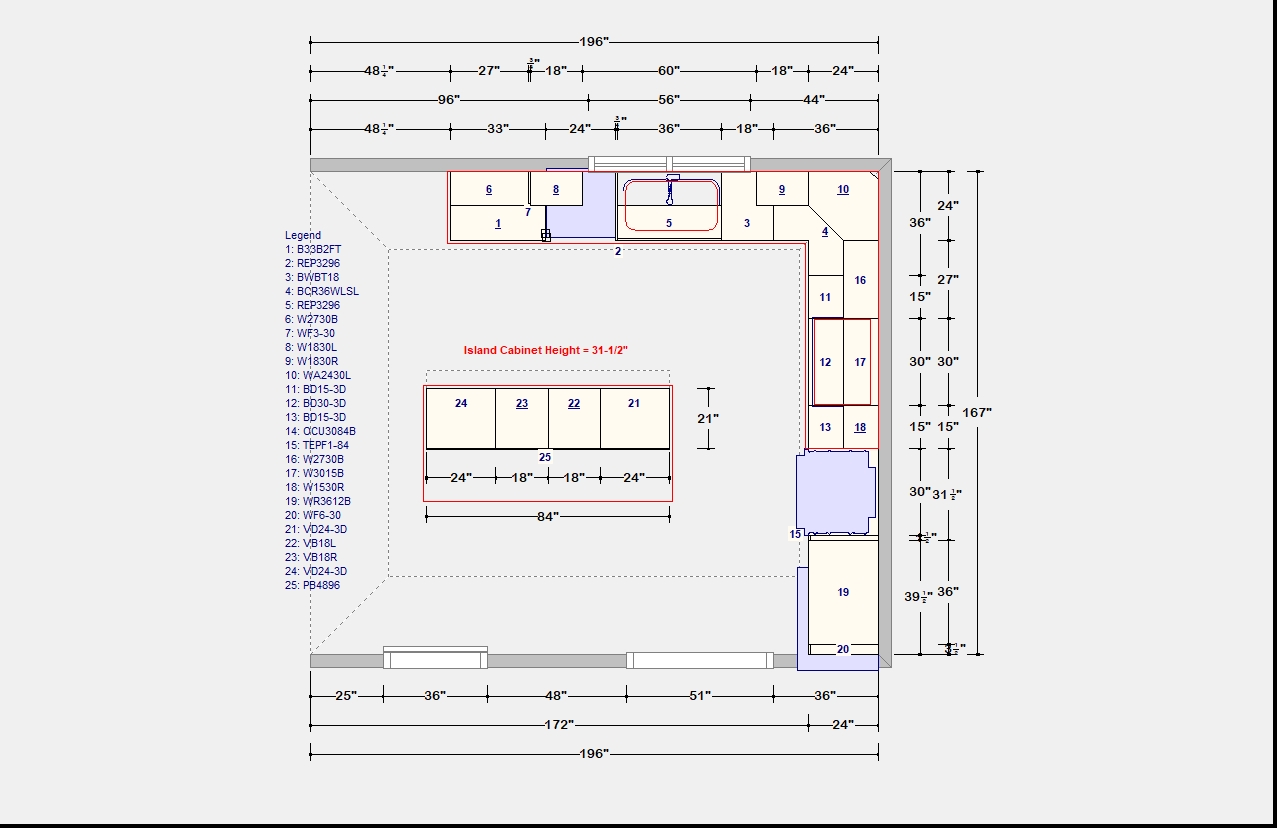
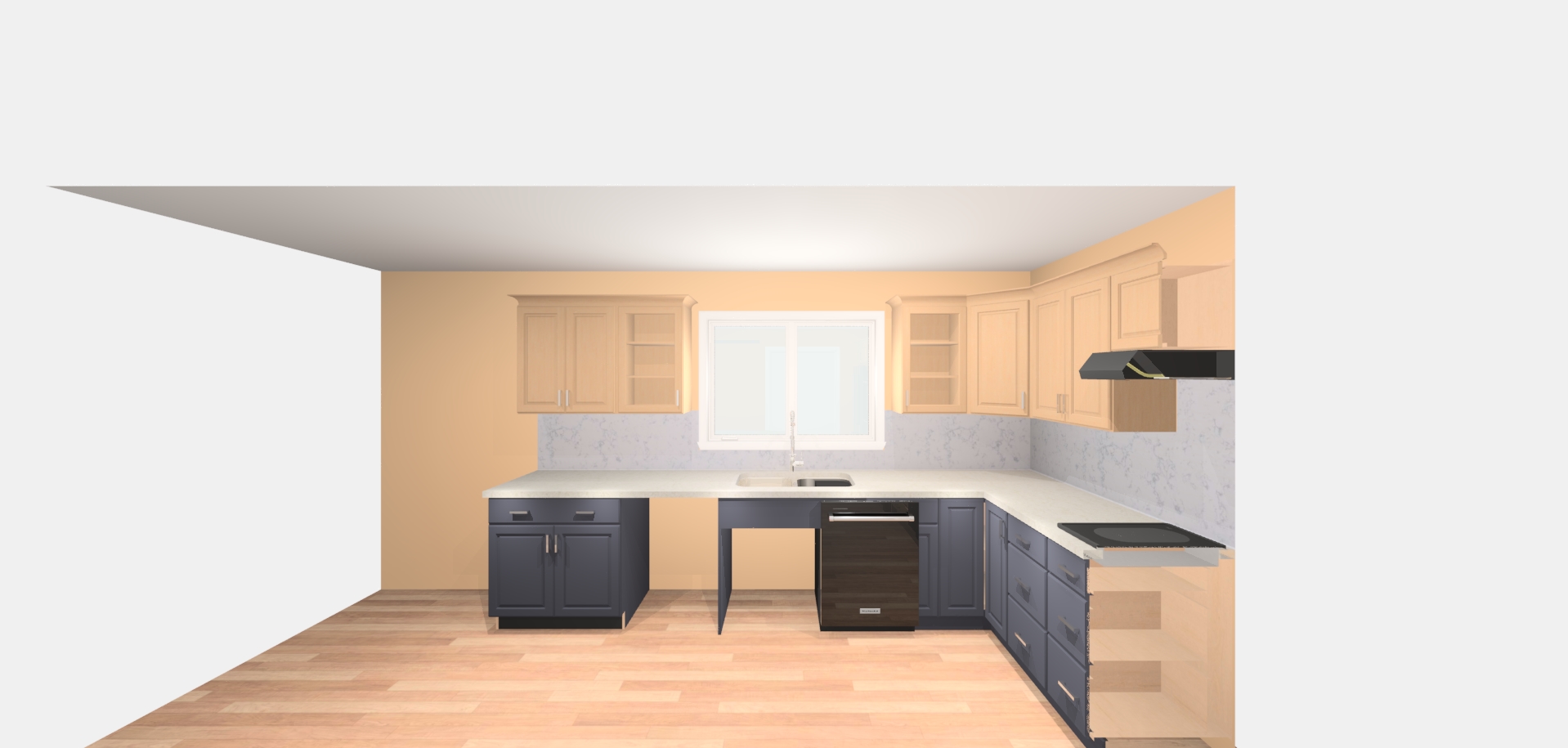
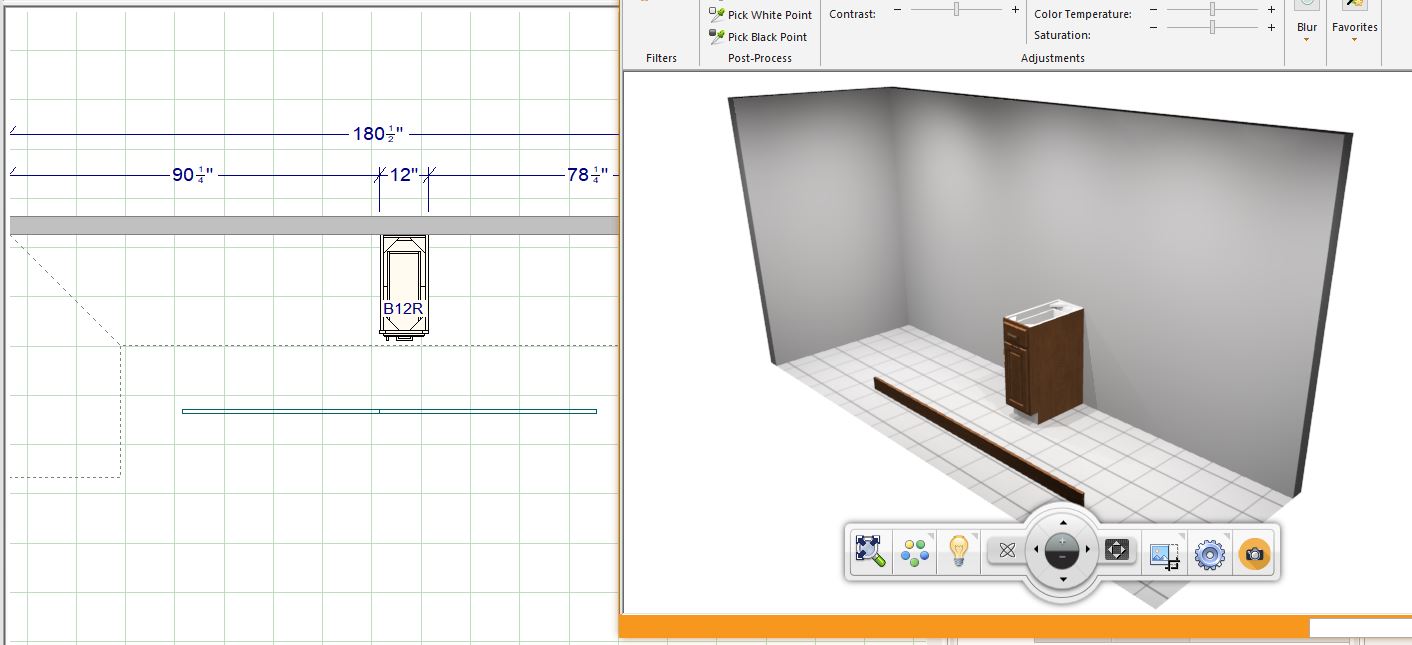
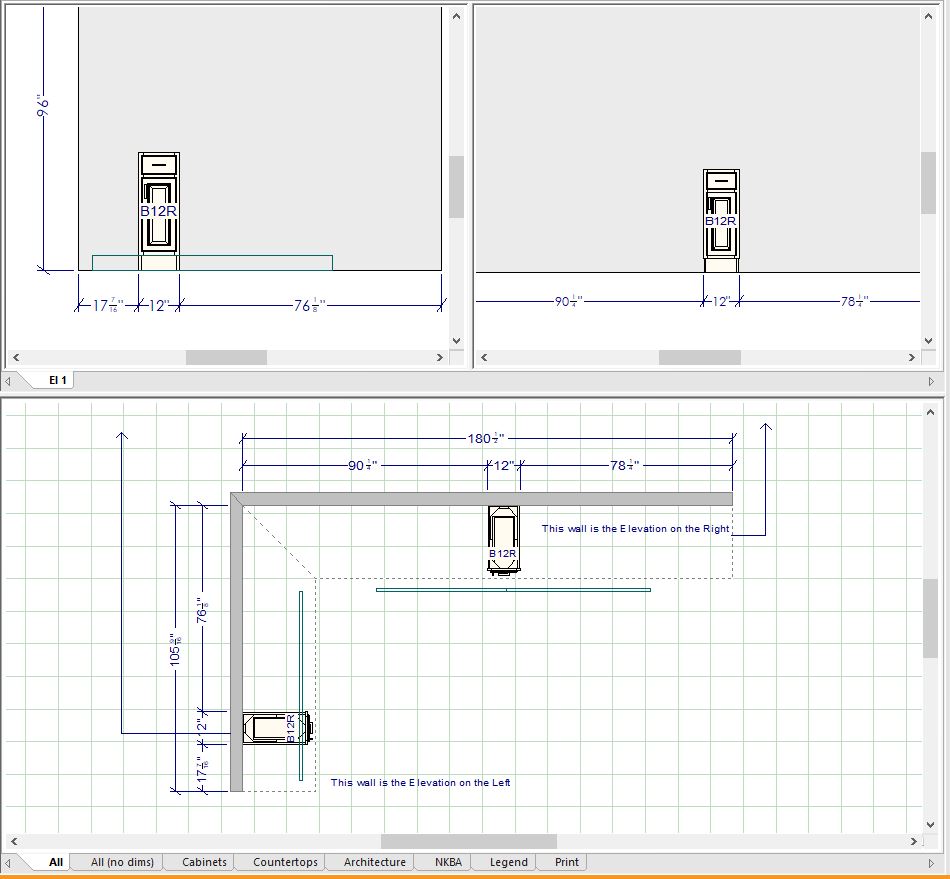
As you can see by the attached floor plan, the DW is to the left of the sink base.
When I produce the Perspective view the DW is in the wrong location.
Attachments:
Hey all!
I am LOVING all the beautiful renderings I’m seeing as entries in the contest running right now! Honestly, I look at some of them and think, “How did they do that??”
The one thing baffling me – and it’s a weird thing – is how folks are getting such great camera placement for some of the terrific images.
I’ve tried getting my camera tight into a render and opening the field of view – and I just get a distorted perspective. I’ve tried pulling away and using the camera clip and object clip… and in my efforts to get a wall out of the way etc I lose a corner of the island… or my object clip nicks the edge of the countertop and I lose the whole thing!
Anyone have tricks to get your camera in a nice place? Where you have that sense of being “in” the room, but you’re not losing the corner of your island?
Baffled and impressed!
Ariana
Okay – the fact that Hallowe’en is almost upon us is a coincidence, but NOT a factor in this – I swear!
Has anyone else seen this? We are in V12, and after snapping our EZ Render pics, we often switch to the old Redway engine to grab some Colour with Lines images so all the details of the cabinetry are visible.
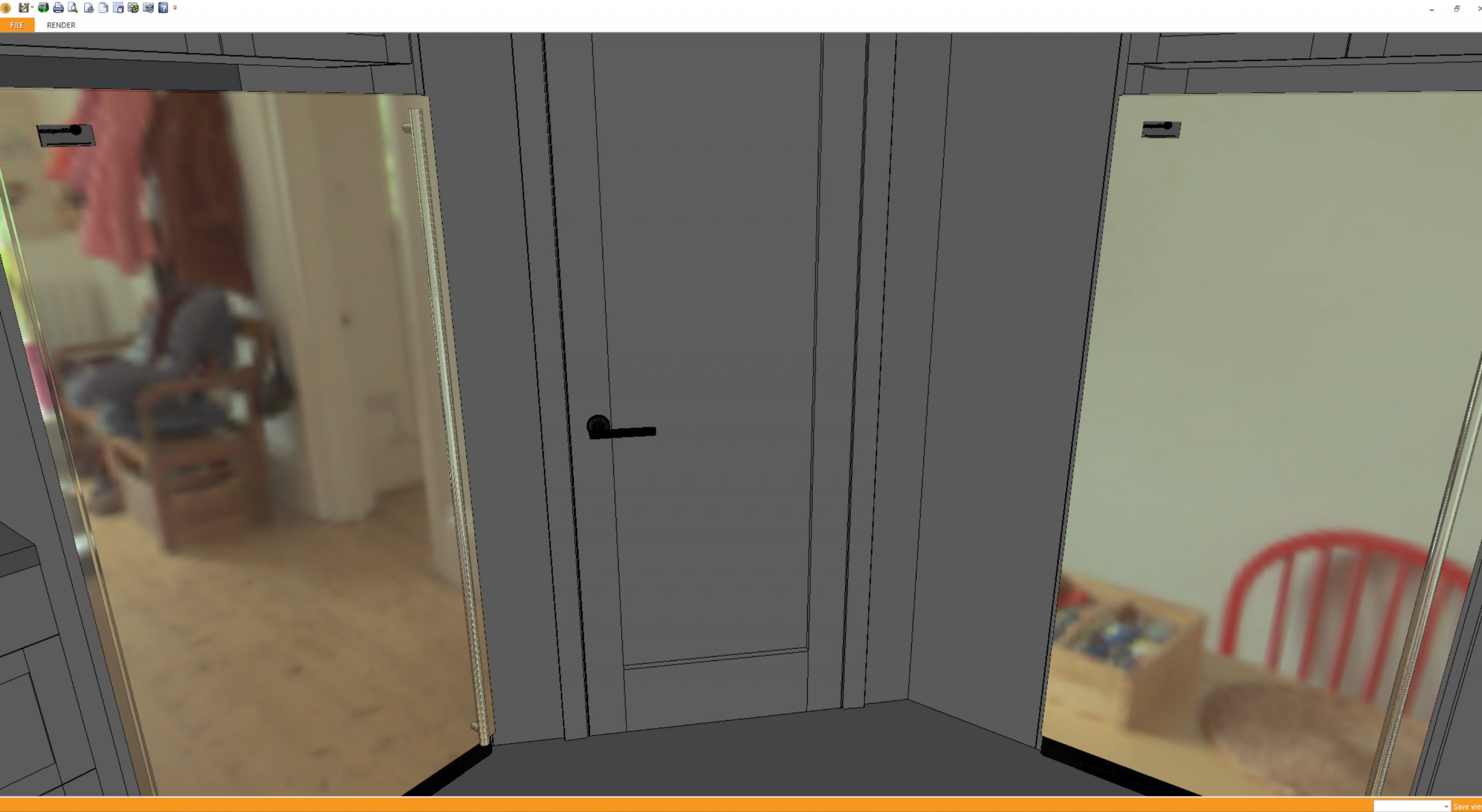
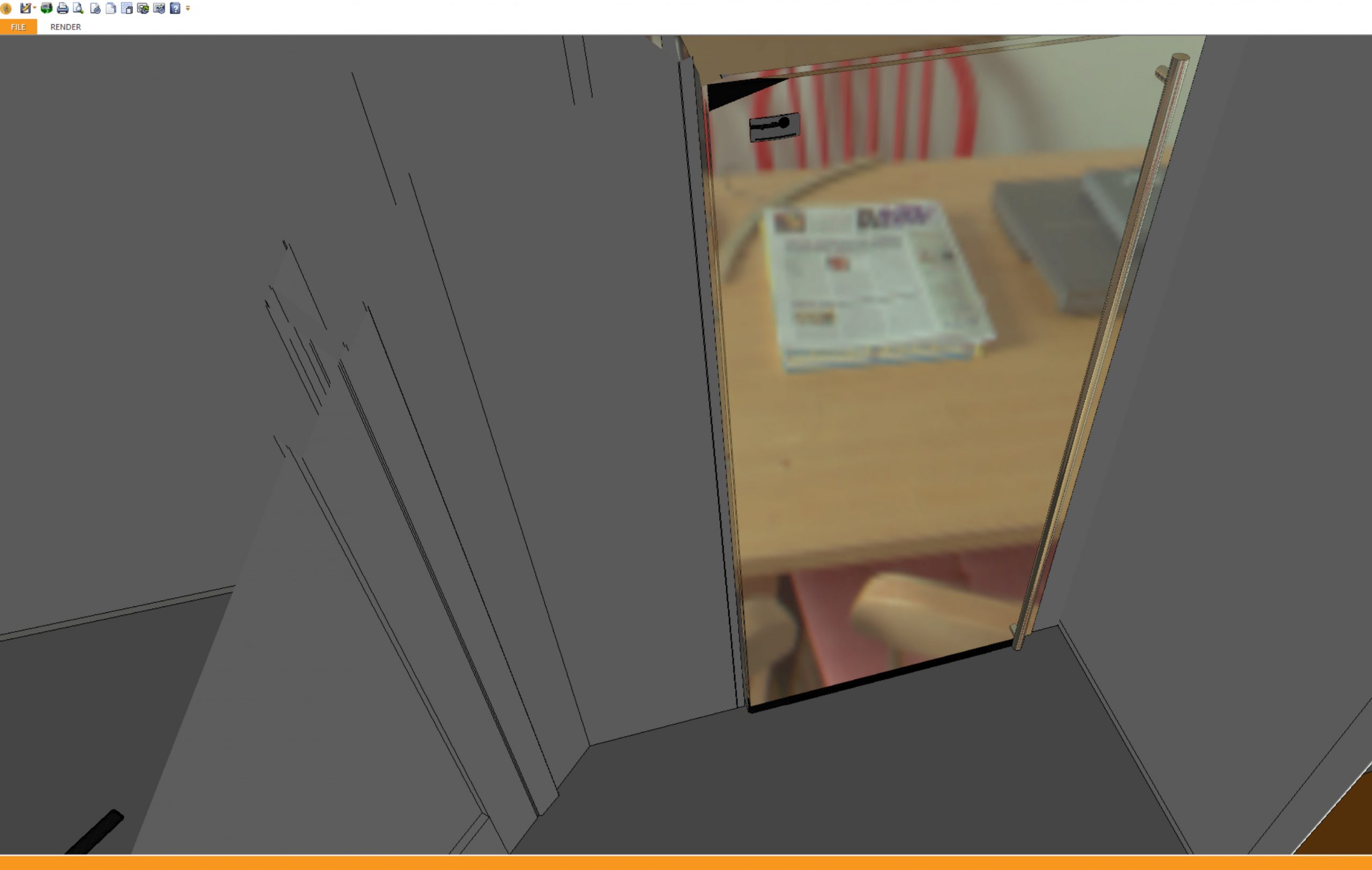
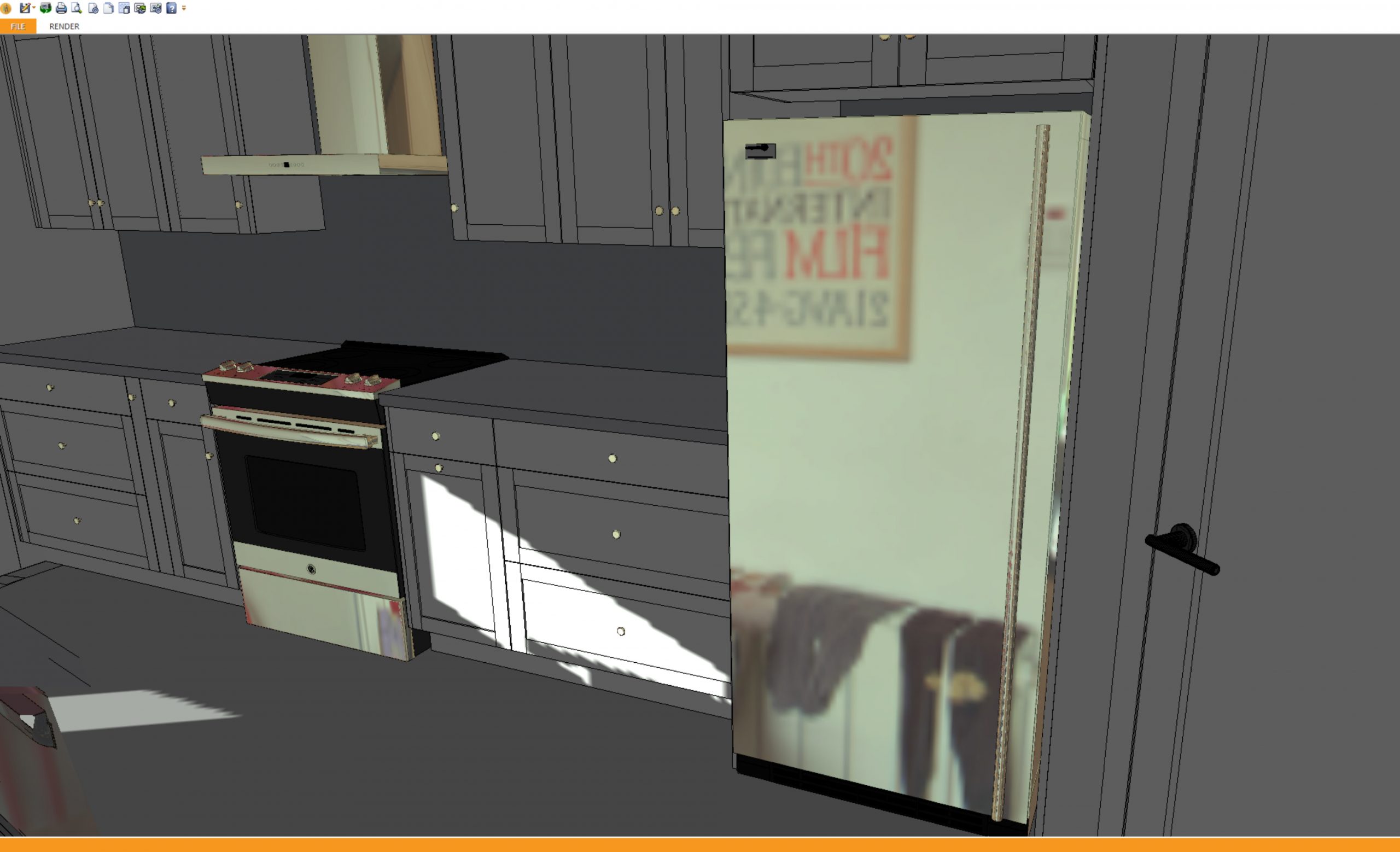
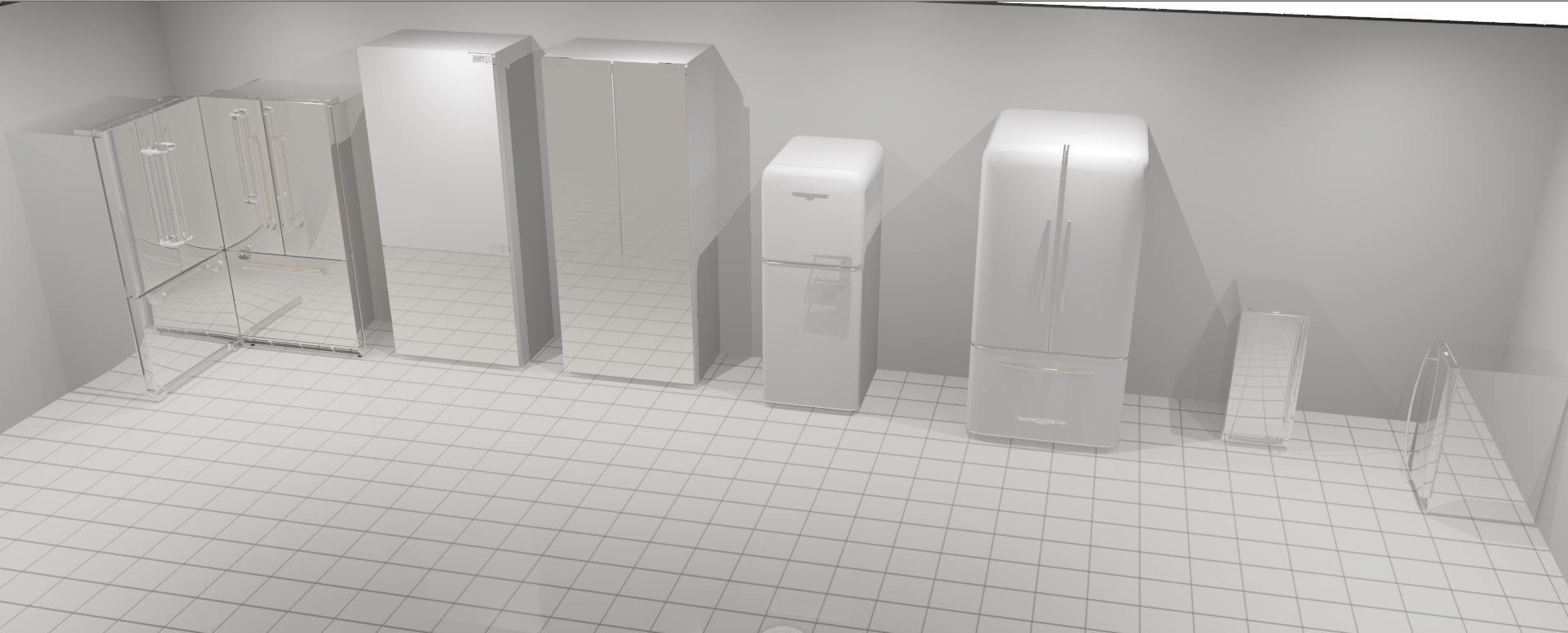
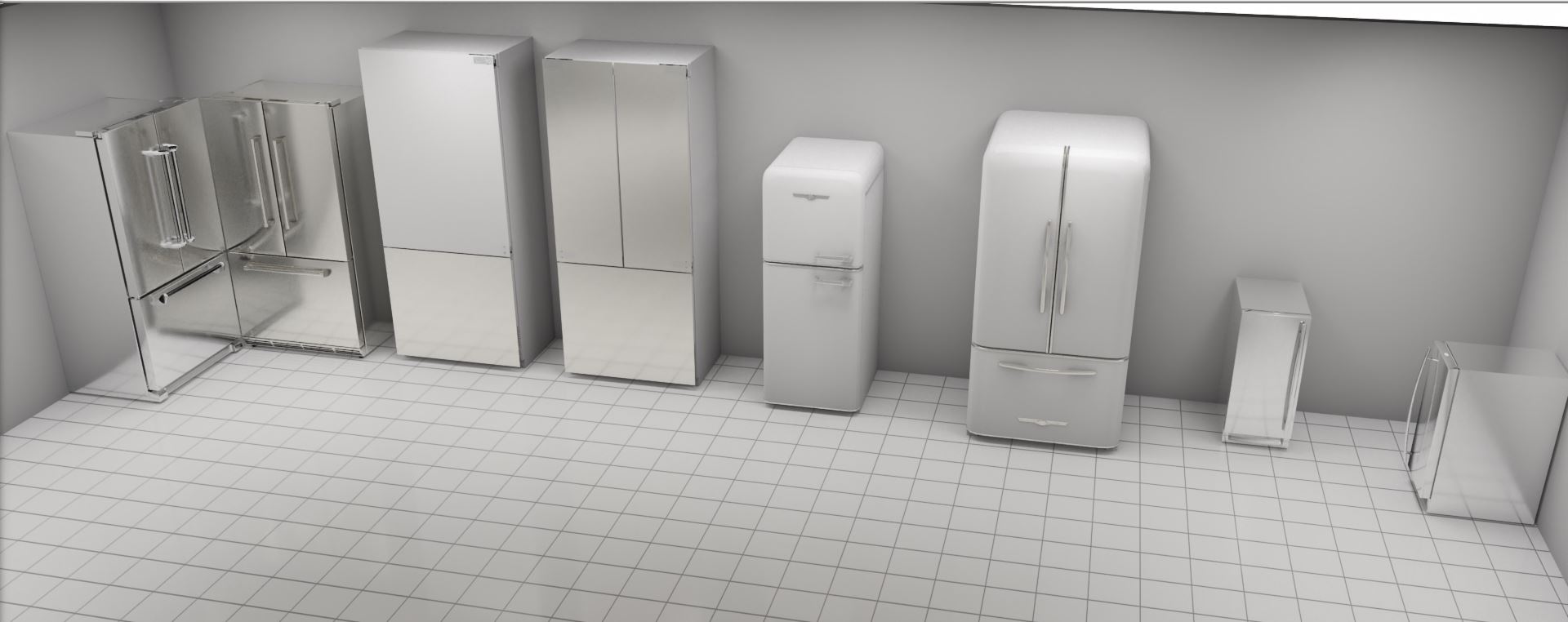
I just noticed that all the items in the room that have the Polished Stainless texture show a photo of someone’s kitchen! It’s only visible while I am moving my view within the render, and as I move my perspective in the render, my perspective of the mystery kitchen changes – like moving your head as you look through a window. From one angle I can see their microwave on the countertop, from a difference perspective I catch sight of their socks draped over the radiator!
The image continues in all the polished stainless items in the kitchen.
It’s VERY visible on our main computer, on the older computer less so.
Has anyone else seen this? What programmer put this image in 2020? How long ago?
Spoooooky!
Ariana
My first experience with this software leaves me … meh.
The only thing I’ve attempted to do since installing this is creating a room with a sliding glass patio door. That’s it. It’s taken me 4 hours to get there because every time I try to change the window dimensions, the 3d Display rendering box draws out a rendering of the item which seems to take forever.
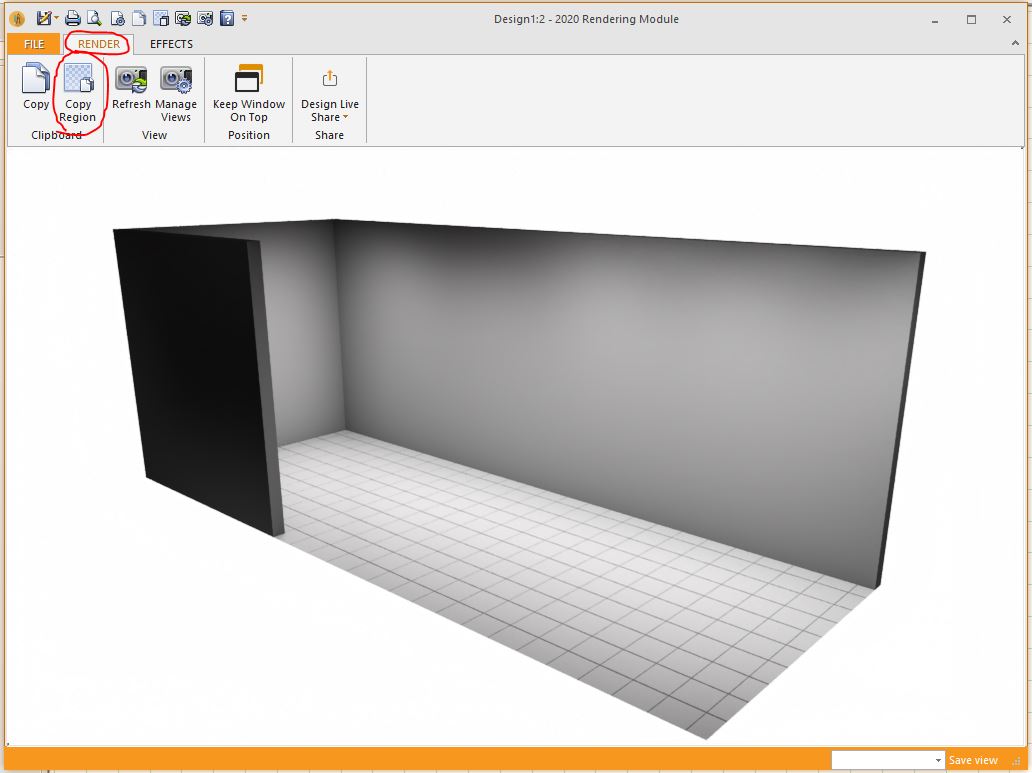
If i want a perspective view of 4 walls and a door, the rendering window that opens just chugs along counting from about 70% to 100% and then it does it again. If I make the slightest adjustment to the view, render render again and the program slows to a crawl.
So far, this experience coupled with the annual subscription price is a huge no. If it’s something I’m doing, I’ll be glad to tune it, but I have a feeling my 30 day trial isn’t going to be long enough for me to actually make a decision.